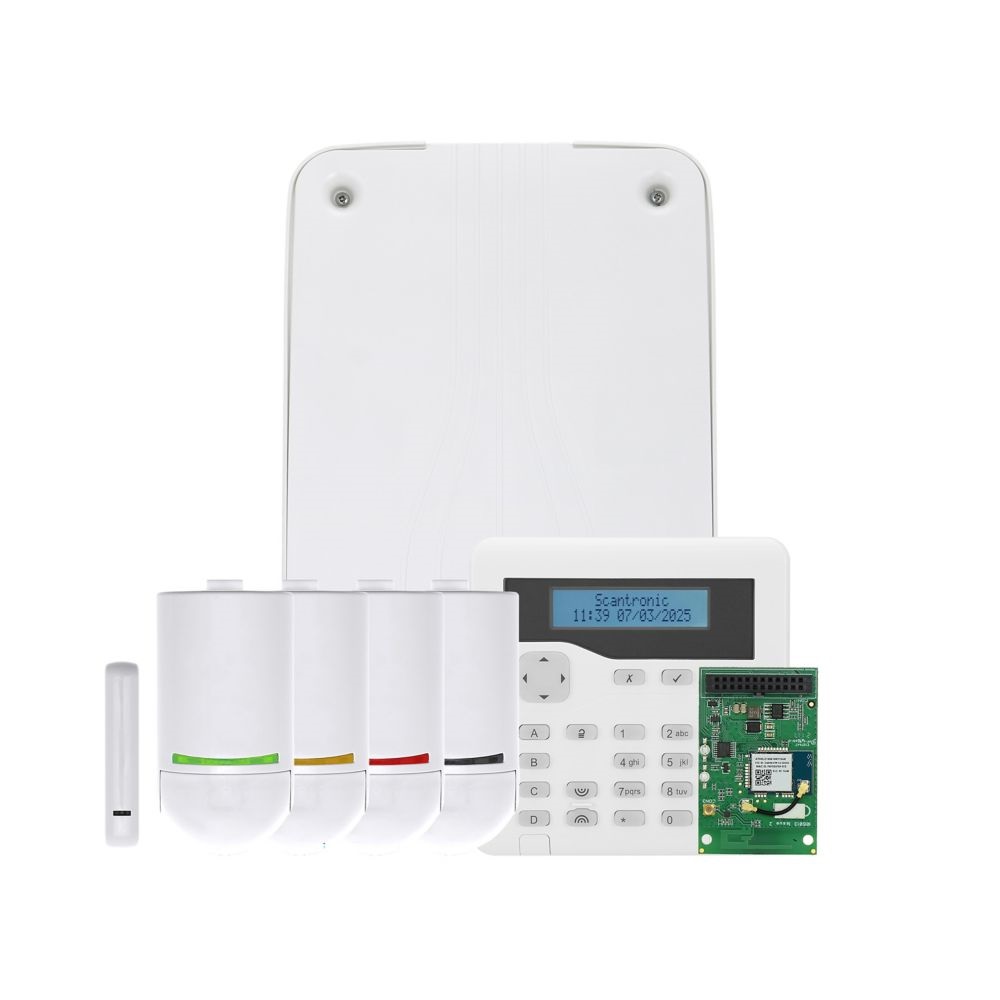
Scantronic’s Scantronic Secure Radio SSR platform improves security, reliability and user/installer efficiency for intruder alarm systems.
Scantronic History
Scantronic Limited was formed in the late 1970s early 1980s. One of the owners of Modern Alarms had originally started the company and it was an amalgamation of security groups. Tunstall Menvier who also made intruder control panels acquired Scantronic.
Cooper Industries (Cooper Security) bought Scantronic and Menvier around 1994.
Eaton Corporation purchased Cooper Industries in about 2013. The logo was then changed to Eaton, however the Scantronic logo is now on the new range of equipment.
As Scantronic records show they are a sought-after company.
Scantronic is a brand name of intruder control panels and peripheral’s that has been on the market for over 40 years, also leading the way with wireless intruder systems from the 1980s
Key benefits
AES‑128 encryption secures radio messages with unique keys and timestamps to prevent spoofing and replay attacks.
Traffic‑light signal strength gives instant green, amber, red feedback at devices to speed optimal placement and troubleshooting.
Over‑the‑air firmware updates allow remote device updates without removal or opening.
Installer menu configuration replaces hardware links for common settings, reducing on‑site device access.
Reliable radio communication through message acknowledgements, retransmission on failure, and clear channel assessment to avoid interference.
Backward compatibility for most SSR products with legacy mode to support older control units and expanders.
RF channel scanning
The Installer menu includes an RF channel‑scanning tool that surveys available radio channels and recommends the best channel for the installation environment. Channels can be changed later if new interference sources appear, reducing the risk of being locked into a single frequency and improving long‑term reliability.
Battery level monitoring
Installers can view the most recent battery voltage reported by each detector or device. The display shows the measured voltage alongside the expected nominal voltage for normal operation. The displayed voltages are shown as “-,–V”. Voltage readings update when a device transmits status (typically every three minutes) or after a status change (tamper, alarm). After battery replacement, the updated voltage is reported within seconds of device power‑up.
Control Panels
Control unit highlights
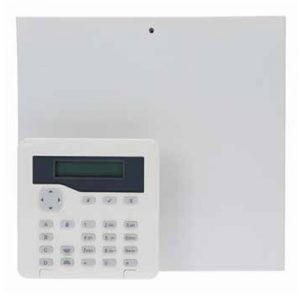
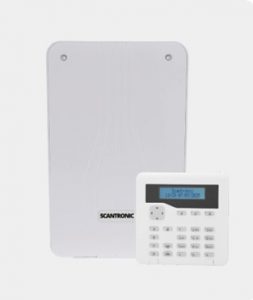
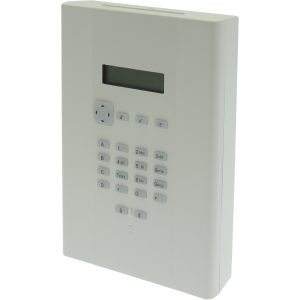
PAN‑10W wired only, 10 zones, metal enclosure, small installations.
PAN‑10W
PAN‑30R supports 30 SSR radio zones, SSR devices only, plastic enclosure.
PAN‑30R
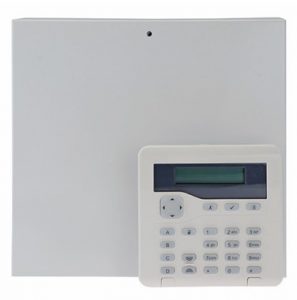
PAN‑80HE hybrid 10 wired zones plus 30 radio zones, expandable to 80 zones, supports mixed SSR and legacy devices. Plastic enclosure.
PAN‑80HE
PAN‑100WE supports up to 100 zones, SSR and legacy support via expanders, small metal enclosure.
PAN‑100WE
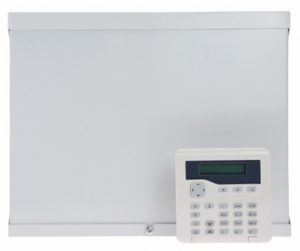
PAN‑200WE grade 3, up to 200 zones, dual system buses for resilience, medium metal enclosure.
PAN‑200WE
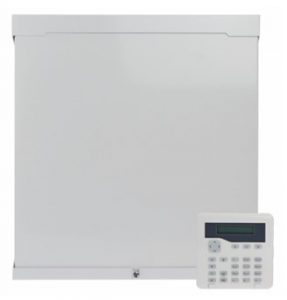
PAN‑400WE grade 3, up to 400 zones, four system buses, space for two 17Ah batteries, large metal enclosure.
PAN‑400WE
i-onG2SM, i-onG3MM and i-onG3LM – Upgrading these panels with the latest
firmware converts it to a PAN-100WE, PAN-200WE or PAN-300WE respectively.
i-on Compact
The software version 8.00.34. This build is to enable the SSR range of options which are not supported on the ion-Compact, Scantronic are not releasing the 8.00.34 for the compact at this point in time.
Keypads
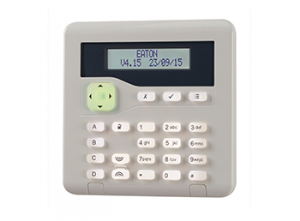
KEY-K01 Wired keypad,
KEY-KP01 Wired keypad with built-in proximity reader,
KEY-KPZ01 Wired keypad with built-in proximity reader and 2 zone inputs,
KEY-RKPZ 2-way radio keypad
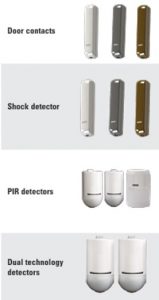
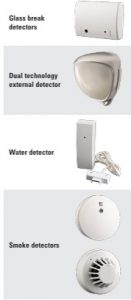
Supported Devices
User Control
Code – Proximity Tag – SecureConnect APP – Control 4 – Alexa – Google
Notification of open & close on individual zones i.e. perimeter.
Detector (a zone) can send APP notifications of activity, useful for sensitive areas or perimeter detectors. This operates when the system is disarmed (unset).
Google Assistant & Alexa Control – And if you did not already know you can use Google Assist or Alexa to arm your system. (Full or Part Arm (Set)). NOTE, Disarming (UNSET) is not allowed using this method. Remember this is not a silent setting option as the APP is not.